Enable tracing for a client before applications send spans. Disabling tracing stops the intended collection path but does not delete data already retained in OpsRamp.
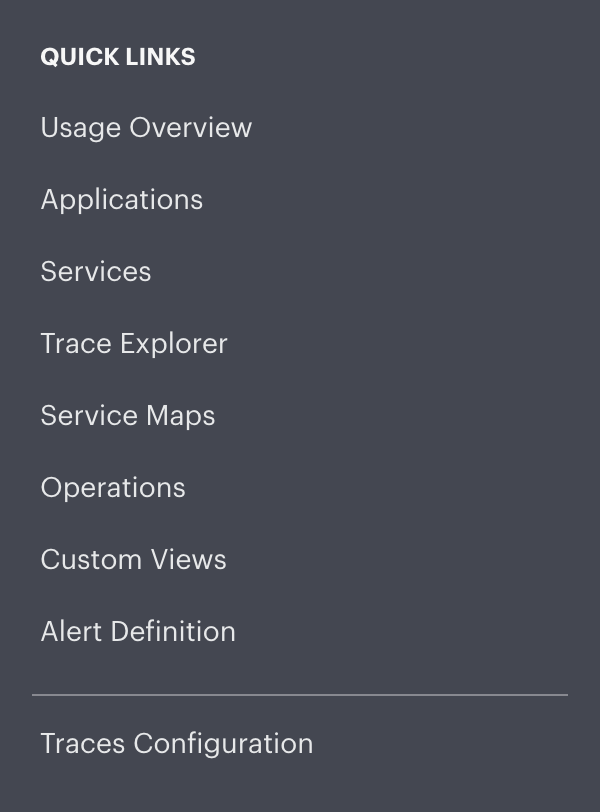
Enable tracing
- Confirm that your role permits tracing configuration.
- Select the intended client and open tracing configuration.
- Enable tracing and obtain the approved endpoint and credentials.
- Configure manual application instrumentation or the collector explicitly.
- Send a representative request and verify it in Trace Explorer.
Disable tracing
- Identify every application and collector that exports for the client.
- Stop or remove their trace export configuration.
- Disable the client tracing capability through the supported administrative workflow.
- Verify that new spans no longer arrive while historical data remains available through its retention period.