Choose credentials for the collection path you plan to use. The values are tenant- and deployment-specific; use the credentials issued for your OpsRamp environment, not sample values from a configuration file.
Open the tenant’s tracing setup instructions
In OpsRamp, select the intended client and open Infrastructure > Traces.
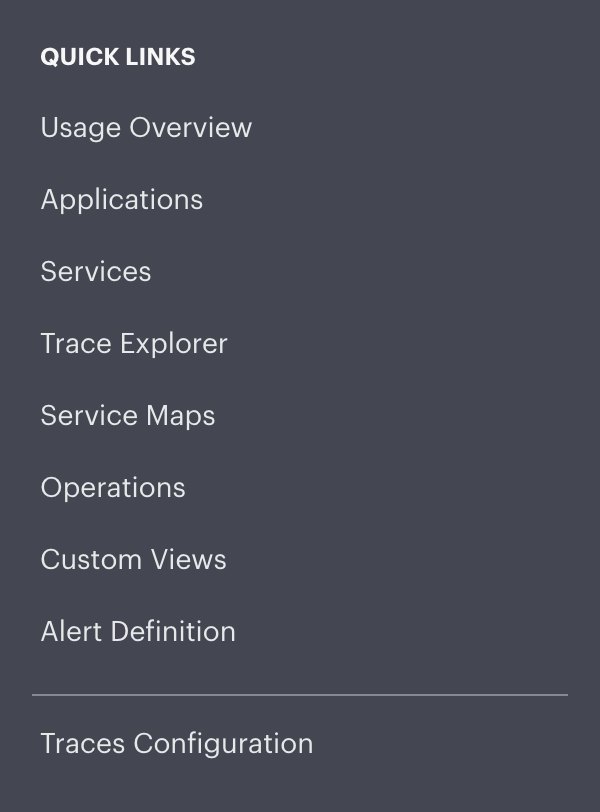
- Open the upper-left menu and select Traces Configuration under Quick Links.
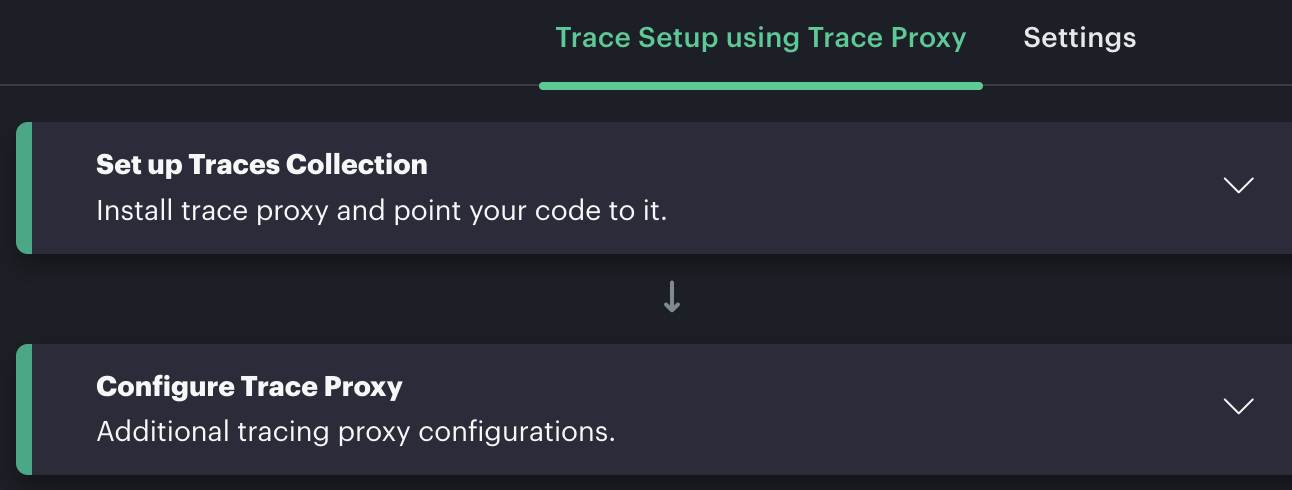
- Select Trace Setup using Trace Proxy, then expand Set up Traces Collection or Configure Trace Proxy as needed.
Restricted setup sections require INTEGRATION_MANAGE. If the instructions are unavailable, ask the client administrator to confirm Trace Monitoring is enabled and grant the required access. Obtain any required integration credentials through the administrator’s approved process; this setup page should not be treated as a credential-generation screen.
OpenTelemetry Collector
The OpsRamp Collector example uses the oauth2client extension. Obtain the OAuth client ID and client secret for the tenant, the tenant ID, and the token URL for the tenant’s region. Configure the client ID and secret in the Collector’s protected configuration; configure the tenant ID as the trace export header. The extension obtains and refreshes the bearer token for export.
Do not place the client secret or a copied bearer token in application code, a container image, or a checked-in configuration file. Use your platform’s secret store and the Collector’s supported secret-provider mechanism.
Trace proxy
A trace-proxy deployment uses the OpsRamp API endpoint, authentication key, authentication secret, and tenant ID supplied for the environment. The proxy uses the key and secret to obtain an OAuth token for sending data upstream. These are proxy-to-OpsRamp credentials; they are distinct from any credential used by an application to reach a proxy.
Use the exact endpoint and authentication settings from the tenant’s Trace Setup instructions. Keep the key and secret in the proxy’s secret store or protected deployment configuration, and restrict access to them.
Before you continue
- Confirm that each credential belongs to the intended tenant and environment.
- Use the Collector or proxy instructions to identify the required protocol, endpoint, headers, and credential fields; do not substitute credentials between collection models.
- Treat client secrets, API keys, and bearer tokens as secrets. Do not include their values in support tickets, screenshots, source control, or logs.
- Follow your organization’s process to rotate a credential, then update the protected configuration and restart or reload the affected Collector or proxy as required.