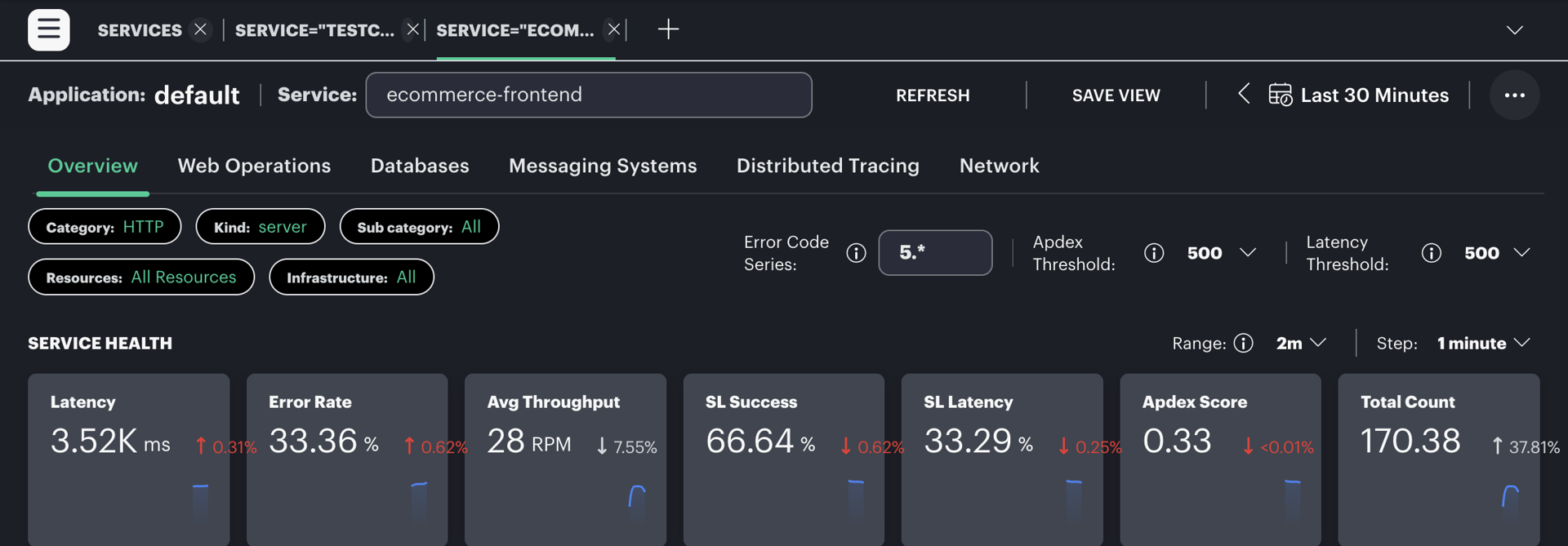
OpsRamp trace views provide ready-to-use summaries for service and operation behavior, including latency, error rate, throughput, and Apdex where data is available.
Use the built-in views
- Select the client and tracing area.
- Choose the service and time range.
- Review headline metrics together, then inspect the operations contributing to a change.
- Open a trace search for the affected operation and interval.
- Compare several traces before assigning a cause.
Empty panels can mean that no spans matched the selected range, span-metric generation is unavailable, or filters do not match the emitted service and operation names. Verify recent trace ingestion before changing the dashboard.