How to use the OpsRamp Traces UI to find, inspect, and root‑cause issues — from service‑level insights down to a single span in a waterfall.
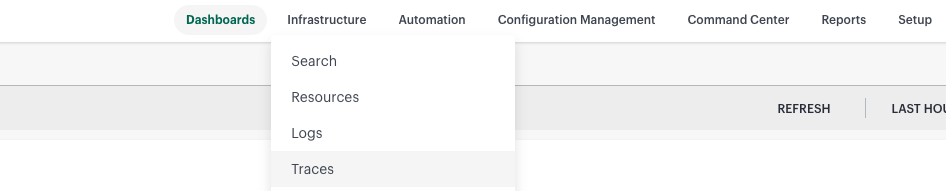
Open Traces: Infrastructure → Traces (lands on the Services list). The hamburger menu’s Quick Links shows Applications, Services, Trace Explorer, Service Maps, Operations, Custom Views, Alert Definition, and Traces Configuration.
Two data sources (read once): aggregate trace metrics (computed from 100% of spans → exact numbers on lists/charts) vs. sampled spans (retained example traces → waterfalls, span detail, worst spans). Counts/rates/percentiles = metrics; show me a real trace = sampled spans.
Sections (child pages)
Service Analysis / Insights — Service Overview, Web Operations Insights, Database Insights, External Services Insights, Messaging Insights, Service Map and Topology, Distributed Tracing, Infrastructure, Alerts, and Logs.
Traces Explorer — Search and Filter Traces, Query Syntax and Facets, Live and Historical Search, Saved Views and Sharing.
Trace Detail View — Waterfall View, Flame Graph View, Span Details and Attributes, Errors, Exceptions and Stack Traces, Span Map, and Trace Summary.
Latency and Performance — Latency and Performance Analysis.