Dashboard
Execution of EOL of classic dashboards
As announced earlier, the classic dashboards sun-setting experience is enabled now and the tenant user must initiate the migrate action to automatically create equivalent new generation dashboards.

See Legacy Replacements for more information.
- Color visualizations are with default colors not equivalent to Classic.
- All the EOL classic widgets will not be part of the conversion.
- Cloud Insights deprecated Widgets would be available in the reporting section named as Cloud Insights reporting app.
- Alert
See Tile category mapped to Widgets table to learn how to use a tile category to create an equivalent widget that achieves a similar visualization.
The classic dashboards migration experience for users will be as defined below:
| Action | Deadline | During Deadline | Impact after Deadline |
|---|---|---|---|
| Classic Dashboards | April 15, 2026 | Visible with Migrate button. | Classic dashboards will no longer be available. |
| Migrate | April 15, 2026 | Authorized dashboard users can migrate the Classic to Dashboard 2.0 which shows the status and link to Dashboard 2.0. Classic dashboards are available in view-only mode. | Migration is not available. Classic dashboards will no longer be available. |
| Create Tiles | April 15, 2026 | Users can create only Dashboards 2.0. | Classic dashboards will no longer be available. |
| Sharing Dashboards | April 15, 2026 | Users can perform the action until migration. After migration, actions are supported only on migrated Dashboards 2.0. | Classic dashboards will no longer be available. |
| Room Mode | April 15, 2026 | Users can perform the action until migration. After migration, actions are supported only on migrated Dashboards 2.0. | Classic dashboards will no longer be available. |
Limitation on Room Mode Feature
In the Dashboard Room Mode, performing a drilldown action in the Tiles visualization will navigate to the Data Details page. To prevent this error, users are reccomended to avoid clicking anything during Room Mode.
Tenancy and RBAC
Access Control Enhancements for Topology and Network Visualization
RBAC enforcement has been enhanced to restrict visibility and interaction with resources the user does not have access to.
- Topology Maps: If the user has no access to the resources, values are replaced with an Access Restricted message. Alert counts and availability are disabled to prevent unauthorized interactions.
- Network Topology: For Network Devices, if the user has no access to the resources, values are replaced with an Access Restricted message.
- For Resource Group, if the user has no access to the resources and those resources have no visible relationships or links to other resources in the topology view, then those respective nodes are not shown.
- If the resources have no access and have visible relationships or links, then values are replaced with an Access Restricted message.
- Alert counts and availability are disabled to prevent unauthorized interactions.
Public Cloud
Alibaba Cloud Discovery and Monitoring Enhancements
OpsRamp has expanded Alibaba Cloud discovery and monitoring support to include the following additional services:
- Redis Instance
- WAF Instance
- WAF Domain
- CDN
- MongoDB Instance
- RocketMQ Instance
- Global Accelerator (GA) Instance
G1 to G2 Template MigrationIn addition, as part of the ongoing platform modernization effort, Alibaba Cloud monitoring templates are being migrated from the legacy G1 standard to the G2 template framework.
G2 templates are now supported across all Alibaba Cloud resources, ensuring improved consistency, scalability, and future readiness.
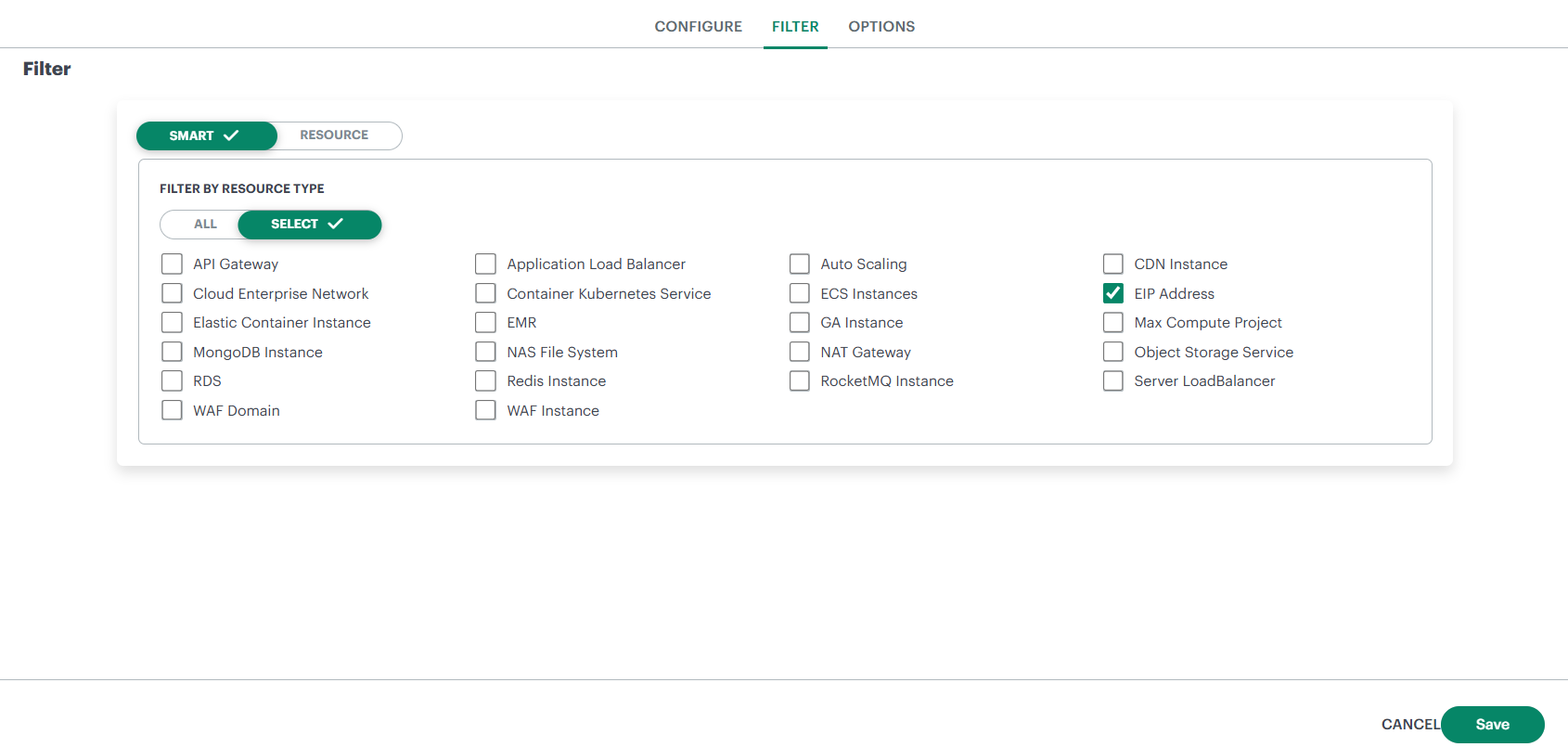
Public Cloud Integration Enhancement: Project, Account, and Subscription Filtering
OpsRamp has enhanced AWS, Azure, and GCP parent integrations by introducing project, account, and subscription-level filtering, allowing customers to selectively onboard cloud environments.
Previous BehaviorFiltering was available only at the resource level and applied globally across all Projects, Accounts, or Subscriptions within an integration. Customers could not explicitly choose which Projects, Accounts, or Subscriptions to onboard.
What’s New
- A new selection section has been added to the Filter Configuration page.
- Customers can now explicitly choose which Projects (GCP), Accounts (AWS), or Subscriptions (Azure) to onboard.
- Selection can be based on:
- Project / Account / Subscription ID
- Display Name
- Labels / Tags
BenefitsThis enhancement provides greater control over cloud onboarding, reduces unnecessary discovery and cleanup, and simplifies management of large and complex public cloud environments.
See AWS Integration, Azure Tenant Integration, and Google Organization Integration for more details.
AWS Integration Enhancement: Automatic Discovery Scan for Child Accounts
Previously, when a child account was added through an AWS parent account integration, the discovery scan was not triggered automatically. Customers had to manually initiate the scan or wait for the next scheduled discovery cycle.
With this enhancement, a discovery scan is now automatically triggered when a child account is initially installed. This ensures immediate visibility into newly onboarded child accounts and aligns the behavior with other OpsRamp cloud integrations.
Cradlepoint Integration Enhancements
Enhanced the Cradlepoint integration to provide deeper visibility by adding monitoring, topology, and site maps, extending beyond the existing discovery and event collection capabilities.
The integration delivers end-to-end visibility into Cradlepoint network infrastructure using a hybrid monitoring approach optimized for efficient API usage and adherence to rate-limit constraints.
Monitoring and Metrics
- Metrics are collected when the Collect Metrics option is enabled during integration.
- Monitoring does not require a template for metric collection.
- Alerts can be generated by applying monitoring templates with defined thresholds to the discovered resources.
- If Collect Metrics is disabled, no monitoring data is collected even if a template is applied.
Supported Resources
- Routers – Cradlepoint edge gateways
- Network Interfaces – Cellular, Ethernet, and Wi-Fi interfaces
- Locations – Logical or physical sites where Cradlepoint devices are deployed
Integration Framework
HPE GLP DSCC Event Integration with OpsRamp
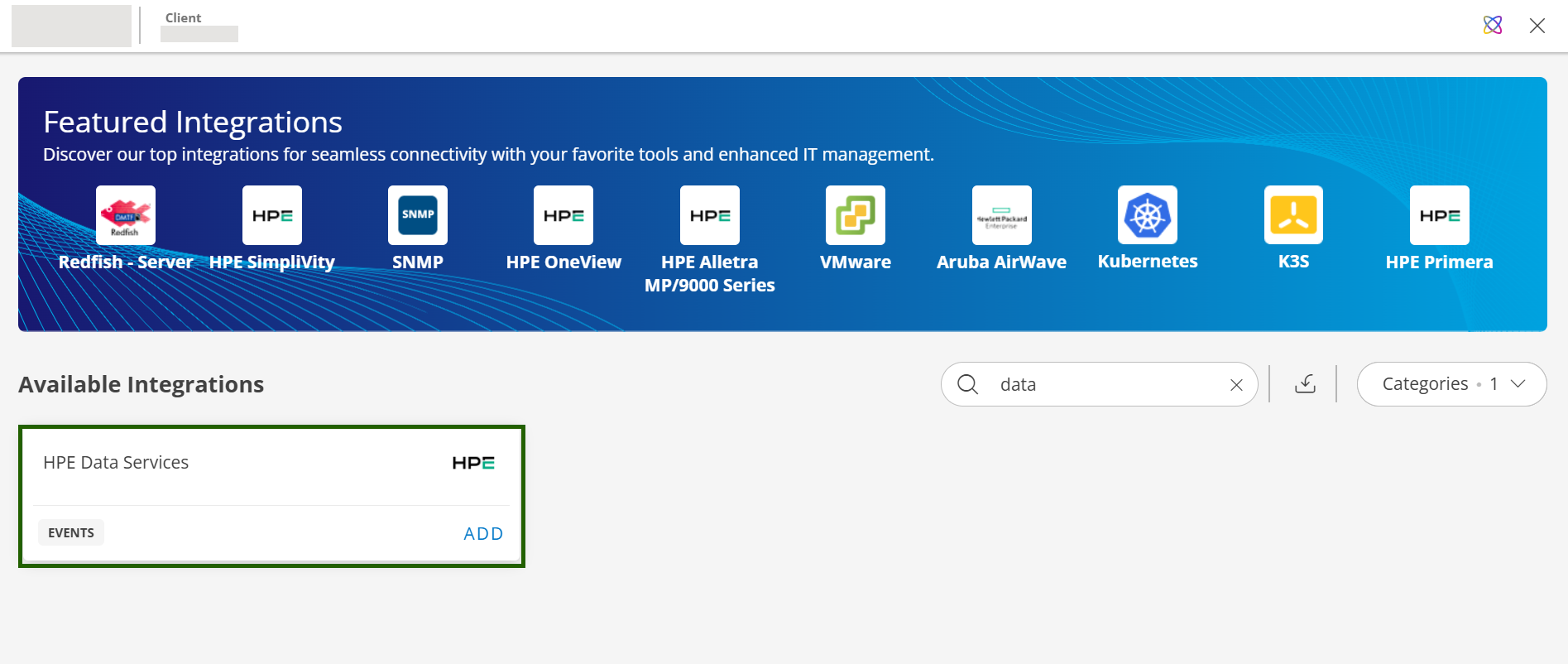
Users of HPE GLP Data Services Cloud Console (DSCC) can now configure event integration with OpsRamp to seamlessly forward events from HPE DSCC into the OpsRamp platform. Once events are ingested into OpsRamp users can trigger appropriate remediation actions, based on the alert conditions.
Event Management
Delayed Incident Resolution on Heal
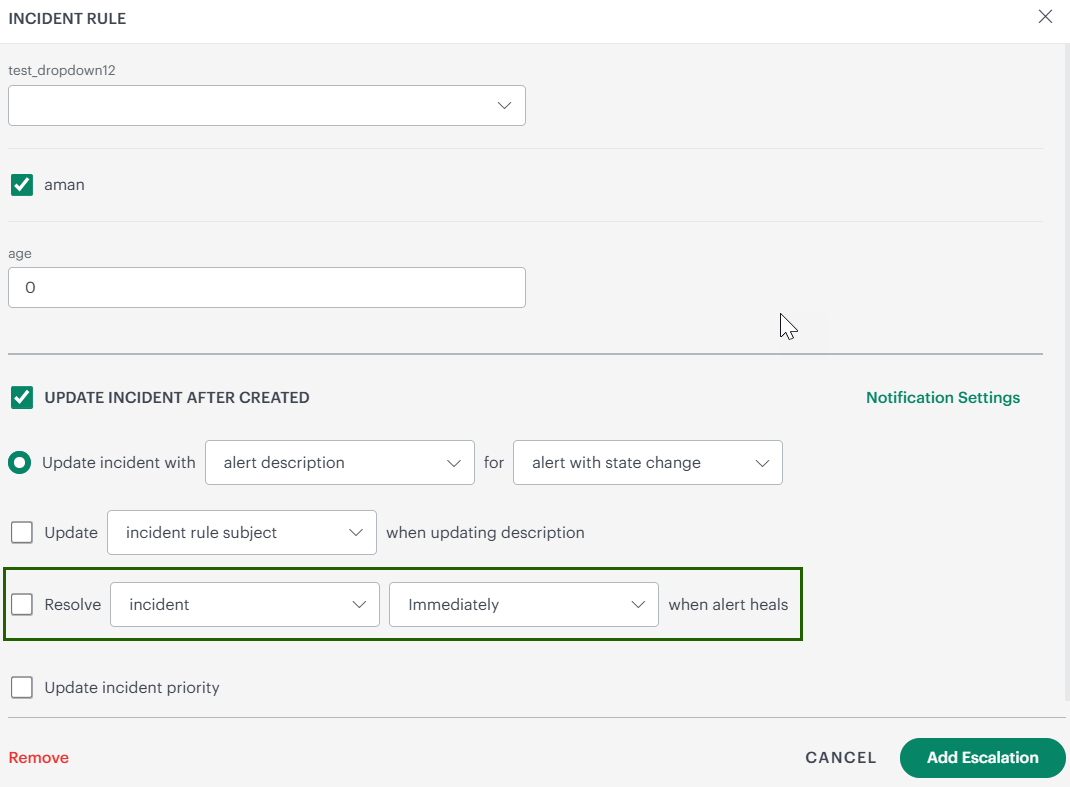
OpsRamp now allows users to configure a time delay for incident ticket resolution when a Heal alert is triggered.
Using this option in the Alert Escalation Policy, incident tickets will be resolved only after the configured duration elapses, even if the heal alert occurs earlier.
Immediate Automation Execution on Alert Suppression
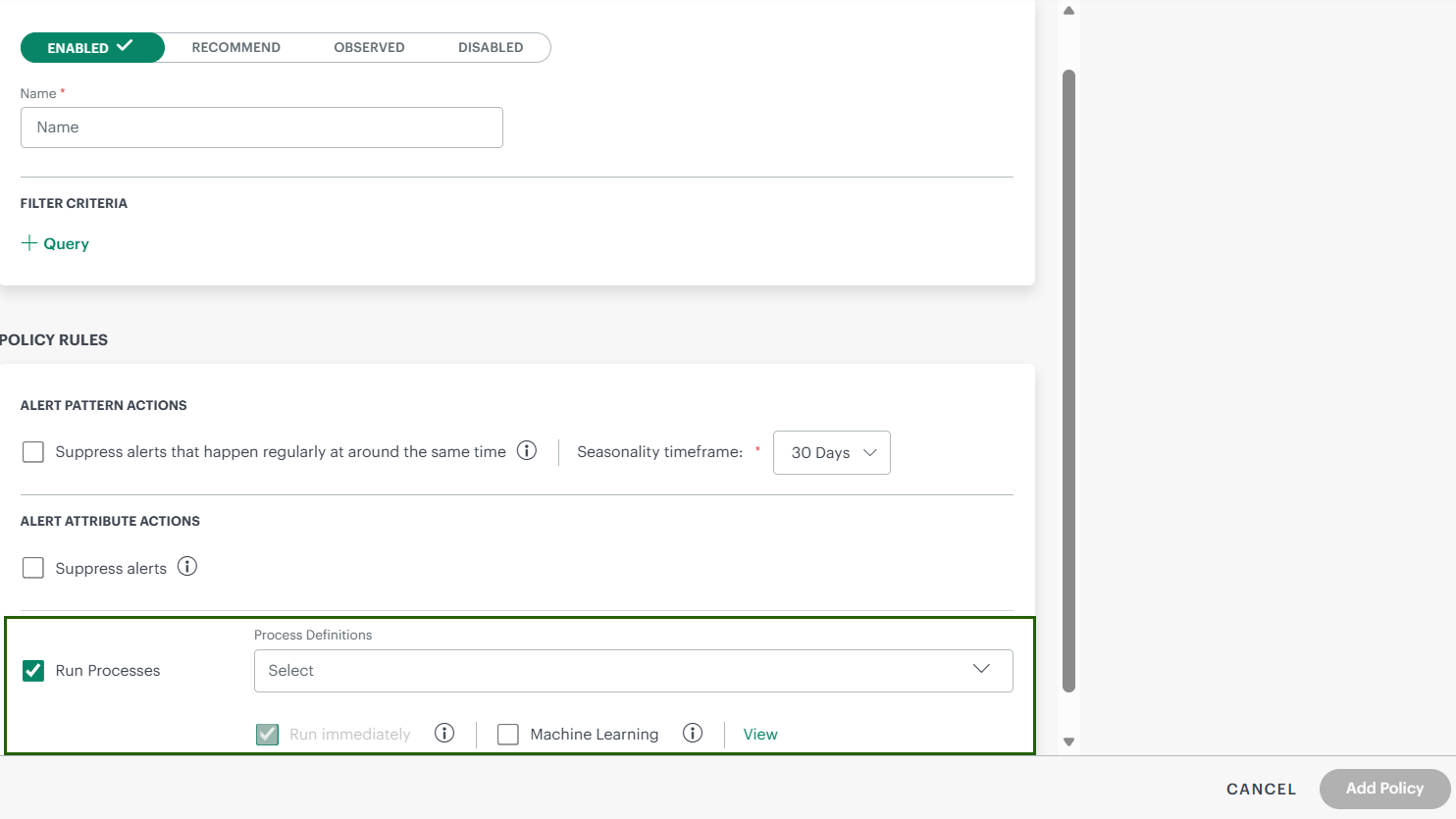
Users can now automatically trigger process automation jobs immediately when alerts are suppressed as part of the First Response Policy.
Previously, automation execution waited until the suppression duration ended. With this enhancement, automation can run as soon as suppression is applied, enabling faster remediation and response.
Tag Support in Canned Response Templates
Canned response templates used in ticket descriptions now support both alert tags and resource tags.
This enables dynamic population of contextual information in tickets, improving clarity and reducing manual effort during incident creation.
Reporting Apps
Rich Text Editor Added to Mail Content When Scheduling an Analysis
When scheduling an analysis, users can now use a Rich Text Editor to draft the content of emailed notifications.
Degraded Column in the Availability Report
When configuring Availability By Service Group in the Availability Report App, there is now a Degraded column in the report.