You can export SNMP trap definitions as a JSON file. This allows you to back up configurations, reuse trap definitions, or migrate them across environments. You can export one or more trap definitions from the SNMP Traps page.
Export SNMP trap definitions
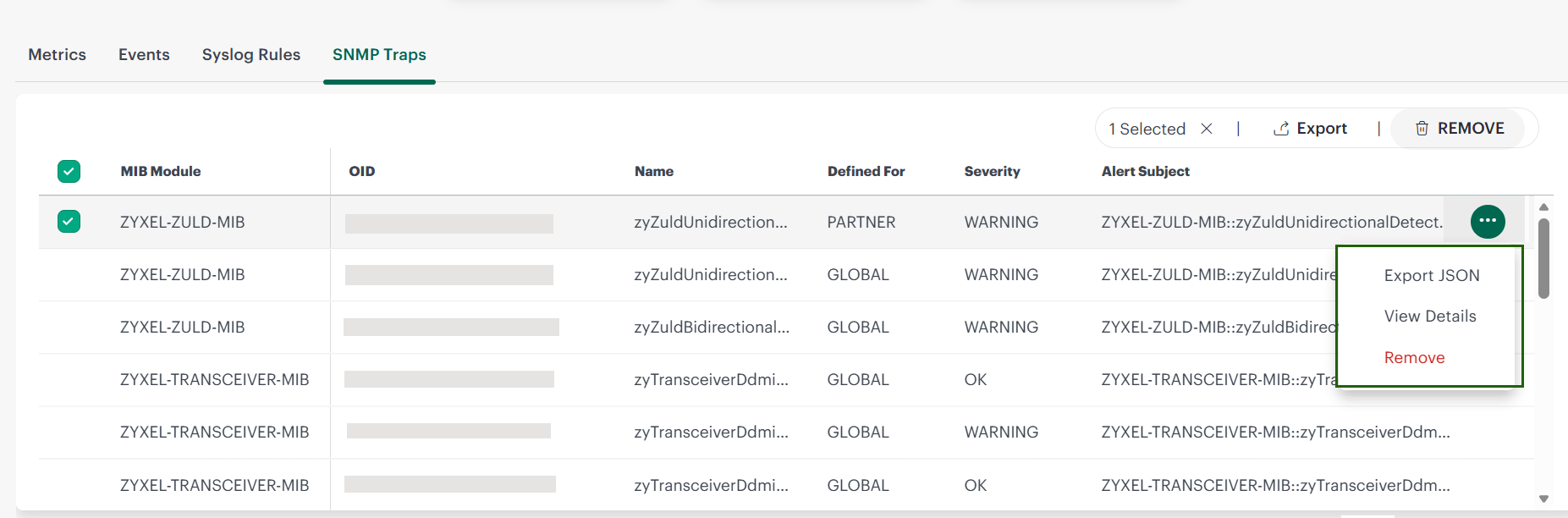
- Go to Setup → Account → Monitoring → Metrics & Events → SNMP Traps.
- Select one or more trap definitions using the checkboxes.
- Click Export from the top of the page.
- The selected trap definitions are downloaded as a JSON file.
Export all traps in the current view
You can also export all trap definitions displayed in the current list.
- Apply filters or search, if required.
- Select all traps in the list.
- Click Export from the top of the page.
This exports all traps currently visible in the table.
×![]()