Use this method if your gateway is registered but cannot connect to the OpsRamp SaaS platform (for example, due to network or other connectivity issues).
Select a method to uninstall the Gateway:
Uninstall Gateway
Removes an existing Gateway deployment.
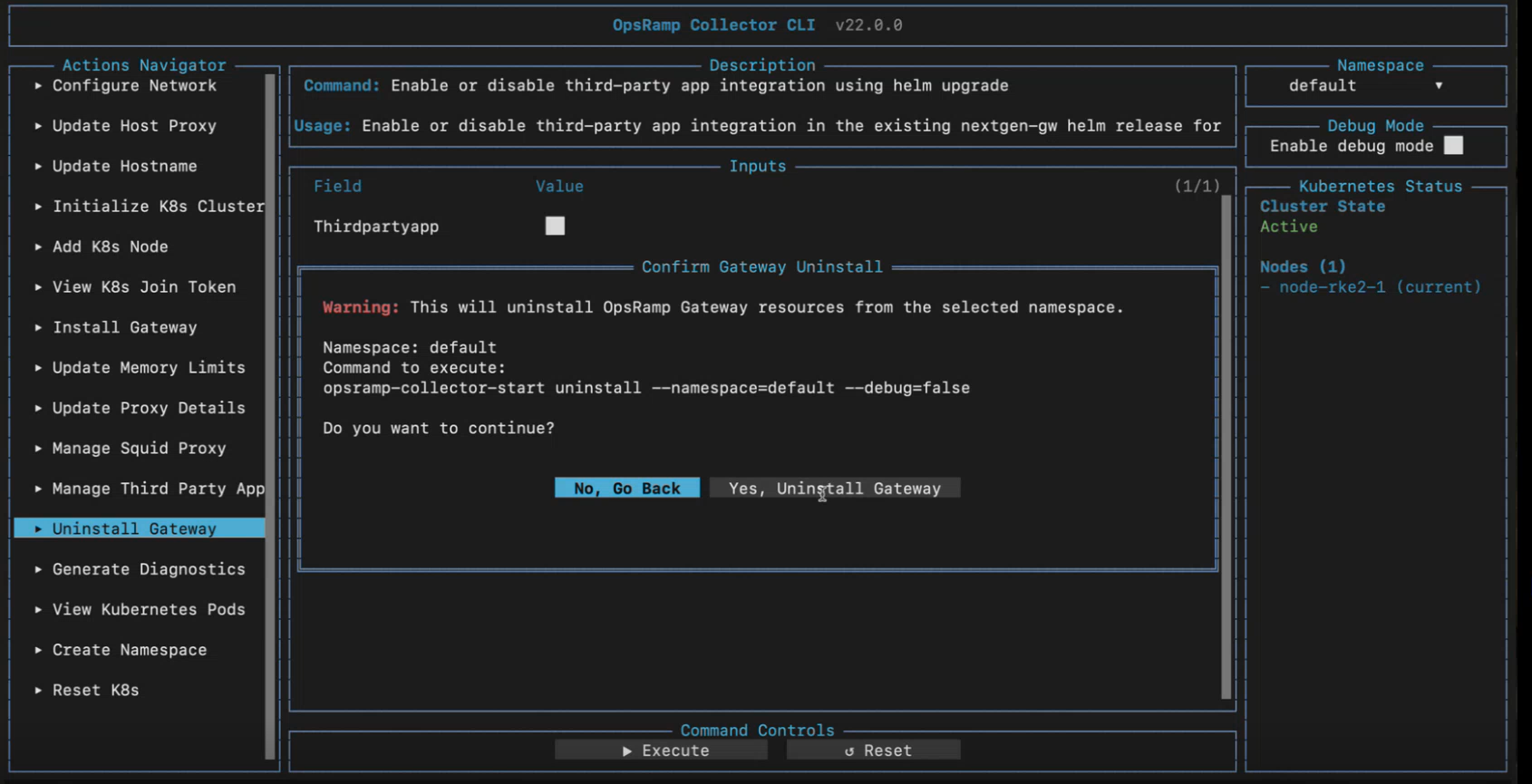
This action does not require user input fields.
Select Execute to save the entered information.
In the Confirm Gateway Uninstall dialog, verify the selected namespace.
Select Yes, Uninstall Gateway to proceed with the uninstallation.To cancel the operation, select No, Go Back.
Uninstall Using the OpsRamp Bootstrap Tool
Use this method if the Gateway was installed using the OpsRamp Bootstrap Tool.
Command Syntax
opsramp-collector-start uninstall --namespace {NAMESPACE_NAME}- Replace
{NAMESPACE_NAME}with the actual namespace used during installation. - If no custom namespace was specified, use
default.
Example
opsramp-collector-start uninstall --namespace defaultUninstall Using Helm
Use this method when:
- The Gateway was installed using Helm.
- You are managing the Gateway lifecycle through Helm releases.
Command Syntax
helm uninstall nextgen-gw --namespace {NAMESPACE_NAME}- Replace
{NAMESPACE_NAME}with the actual namespace used during installation. - If no custom namespace was specified, use
default.
Example
helm uninstall nextgen-gw --namespace default