Use the Terminal UI to enable or disable third-party application integration on the NextGen Gateway.
Manage Third-Party App
- Run the following command to open the Terminal UI:
opsramp-collector-start terminal-ui - Select Manage Third-Party App and enable or disable the integration.
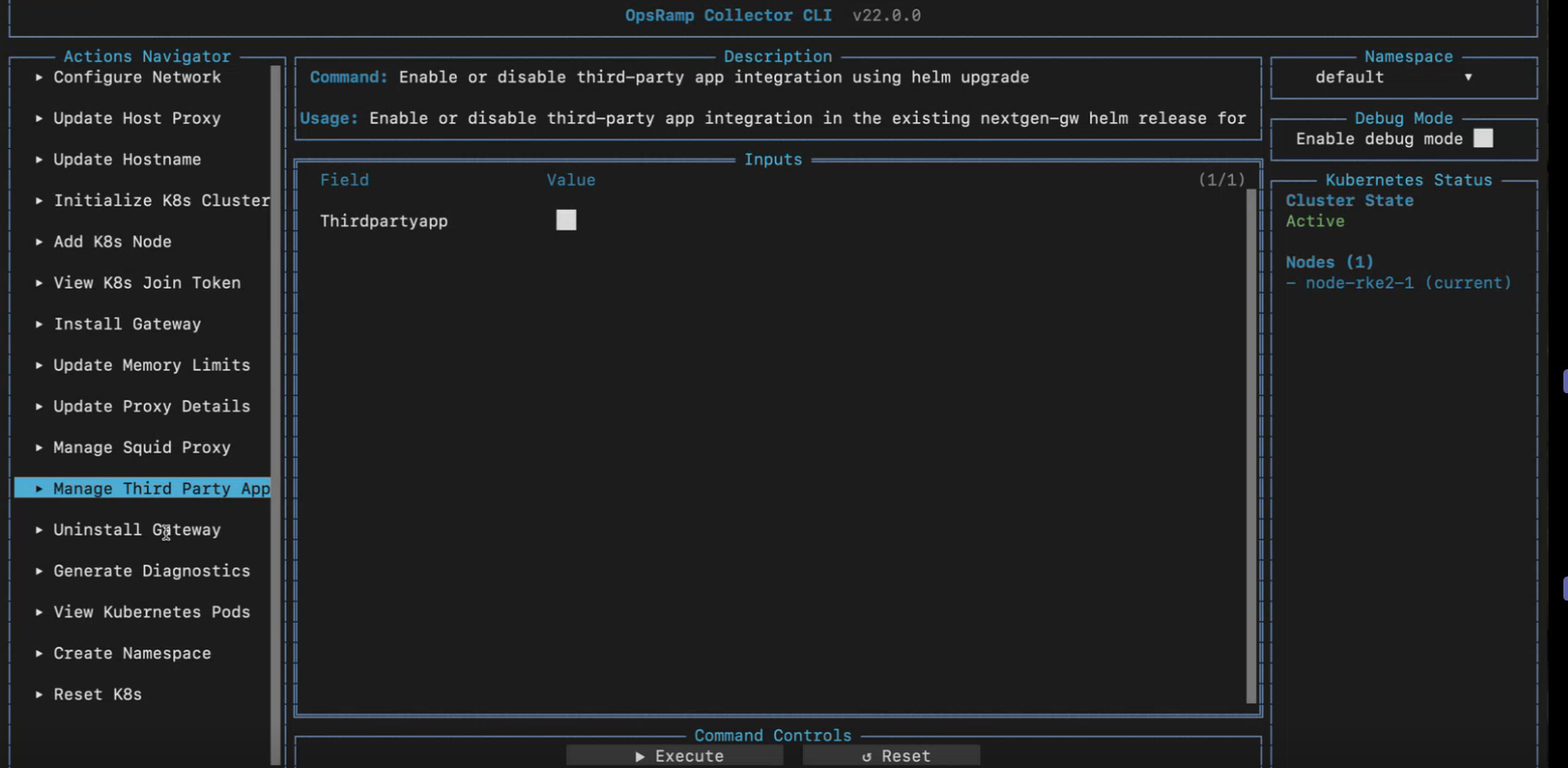
Select Execute to save the entered information.Field Description Third Party App Enables or disables third-party application integration. - Press
ESCto close the Terminal UI.